Wu-Tang Clan Emoji1.0
Publisher Description
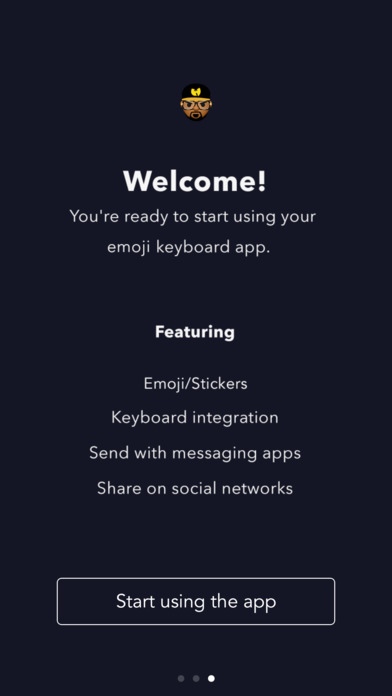
Protect ya neck and ya messages! Wu-Tang Clan Emoji are here featuring RZA.
Ways to Share:
1. iMessage App Drawer tap sticker to send as new iMessage or hold sticker to peel, re-size and post on chat bubbles
2. App on Home Screen open app on your phone, tap sticker and select the desired messaging platform
3. Keyboard Extension tap globe icon to toggle to keyboard, tap sticker to copy and paste in message body to send as a text or post from social media apps
Access Stickers in iMessage:
1. Open Messages App
2. Tap App Store icon in top left corner
3. Tap four circles icon in bottom left corner
4. Sticker Pack icon should appear in your iMessage App Drawer
5. If Stickers don t appear, tap Store" icon and then tap Manage" tab to add sticker pack to iMessage Sticker Drawer
Access Keyboard Extension:
1. Go to Settings
2. Select General > Keyboard > Keyboards > Add New Keyboard
3. Select Desired Keyboard to add to Keyboard List
4. Select added Keyboard and "Allow Full Access" We DO NOT track personal information or see what you type as our keyboards only contain sticker assets
Requires iOS 8.0 or later. Compatible with iPhone, iPad, and iPod touch.
About Wu-Tang Clan Emoji
The company that develops Wu-Tang Clan Emoji is Swyft Media Inc.. The latest version released by its developer is 1.0. This app was rated by 1 users of our site and has an average rating of 1.5.
To install Wu-Tang Clan Emoji on your iOS device, just click the green Continue To App button above to start the installation process. The app is listed on our website since 2016-11-23 and was downloaded 1,250 times. We have already checked if the download link is safe, however for your own protection we recommend that you scan the downloaded app with your antivirus. Your antivirus may detect the Wu-Tang Clan Emoji as malware if the download link is broken.
How to install Wu-Tang Clan Emoji on your iOS device:
- Click on the Continue To App button on our website. This will redirect you to the App Store.
- Once the Wu-Tang Clan Emoji is shown in the iTunes listing of your iOS device, you can start its download and installation. Tap on the GET button to the right of the app to start downloading it.
- If you are not logged-in the iOS appstore app, you'll be prompted for your your Apple ID and/or password.
- After Wu-Tang Clan Emoji is downloaded, you'll see an INSTALL button to the right. Tap on it to start the actual installation of the iOS app.
- Once installation is finished you can tap on the OPEN button to start it. Its icon will also be added to your device home screen.
